In questa pagina
Quando si crea un sito web multilingue, a volte potresti aver bisogno di un maggiore controllo su quali contenuti appaiono nelle diverse lingue. Ad esempio, potresti voler mostrare una promozione, visualizzare testi legali diversi a seconda della lingua o nascondere completamente contenuti in traduzioni specifiche.
TranslatePress rende tutto questo possibile grazie a shortcode dedicati che ti consentono di includi o escludere contenuti basati sulla lingua attiva.
Come utilizzare gli shortcode condizionali TranslatePress per visualizzare contenuti in base alla lingua
Ci sono due shortcode disponibili per limitare i contenuti in base alla lingua:
- [language-include] – visualizza i contenuti solo nelle lingue selezionate.
[language-include lang="fr_FR"] Bonjour [/language-include]- [language-exclude] – nasconde il contenuto nelle lingue selezionate.
CiaoQuesti shortcode ti offrono il controllo completo su quando e dove determinati contenuti devono apparire, e se debbano essere traducibili o mostrati esattamente come sono scritti.
Questo può essere fatto anche con PHP:
<?php
    $current_language = get_locale();

    if( $current_language == 'en_EN' ){
      eco 'testo in lingua en_EN';
    }

    if( $current_language == 'fr_FR' ){
      eco 'testo in lingua fr_FR';
    }

?>
[language-include]
Lo shortcode visualizza il contenuto al suo interno solo per le lingue che specifichi.
[language-include lang="en_US, fr_FR, es_ES"]
Your content here
[/language-include]
Attributi:
- lang – Un elenco di codici lingua separati da virgole in cui il contenuto deve essere visualizzato.
Esempio: lang=”en_US, fr_FR, es_ES”
I codici lingua si trovano nella scheda Generale, all'interno della colonna Codice associata a ciascuna lingua.
[language-exclude]
Lo shortcode nasconde il contenuto al suo interno per le lingue specificate.
Il tuo contenuto quiAttributi:
- lang – Un elenco di codici lingua separati da virgole in cui il contenuto deve essere nascosto.
Esempio: lang=”en_US, es_ES”
I codici lingua si trovano nella scheda Generale, all'interno della colonna Codice associata a ciascuna lingua.
È anche possibile utilizzare lo shortcode condizionale per mostrare i blocchi Gutenberg solo nella lingua desiderata.
Per fare ciò, dovrai racchiudere il blocco Gutenberg tra due blocchi shortcode. Il primo blocco shortcode conterrà l'inizio del nostro shortcode condizionale (ad es. ).
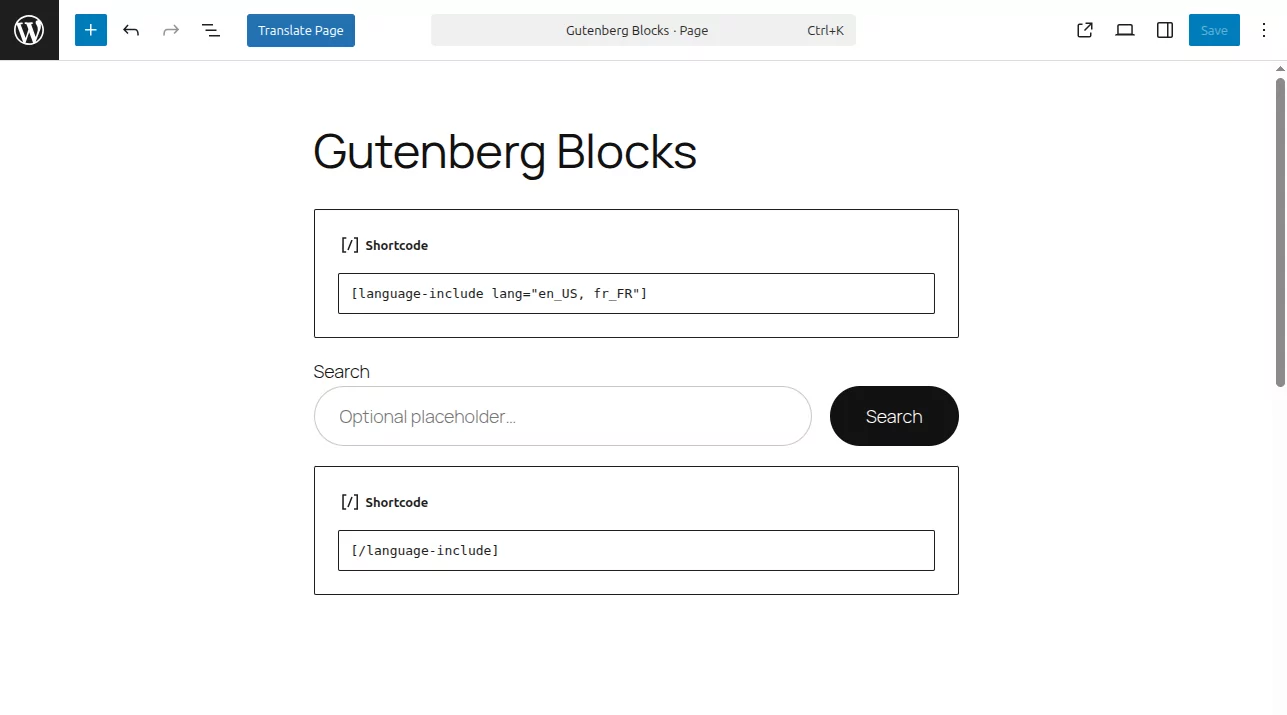
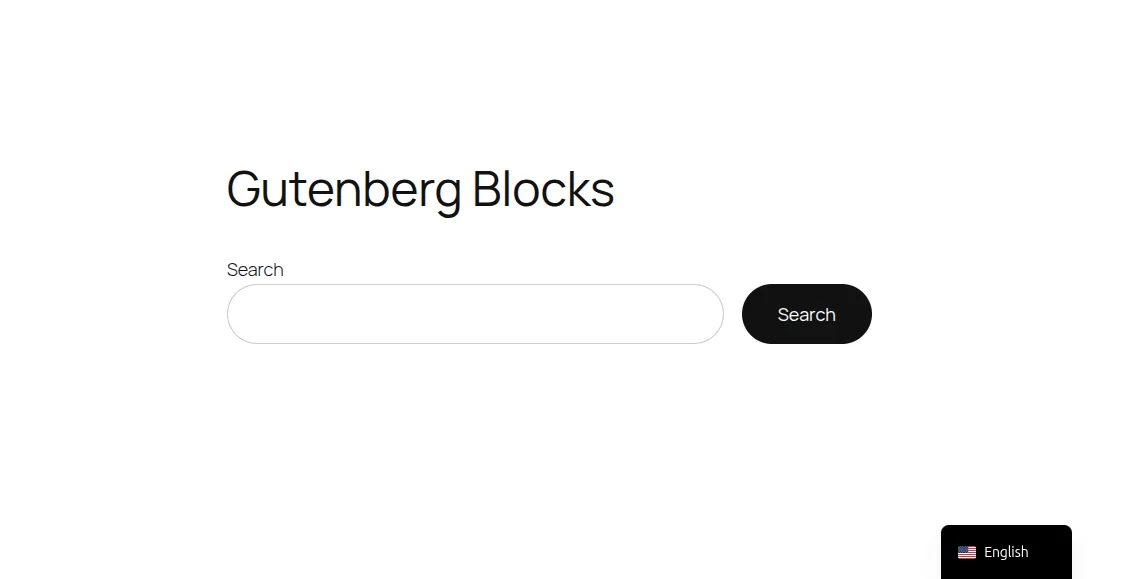
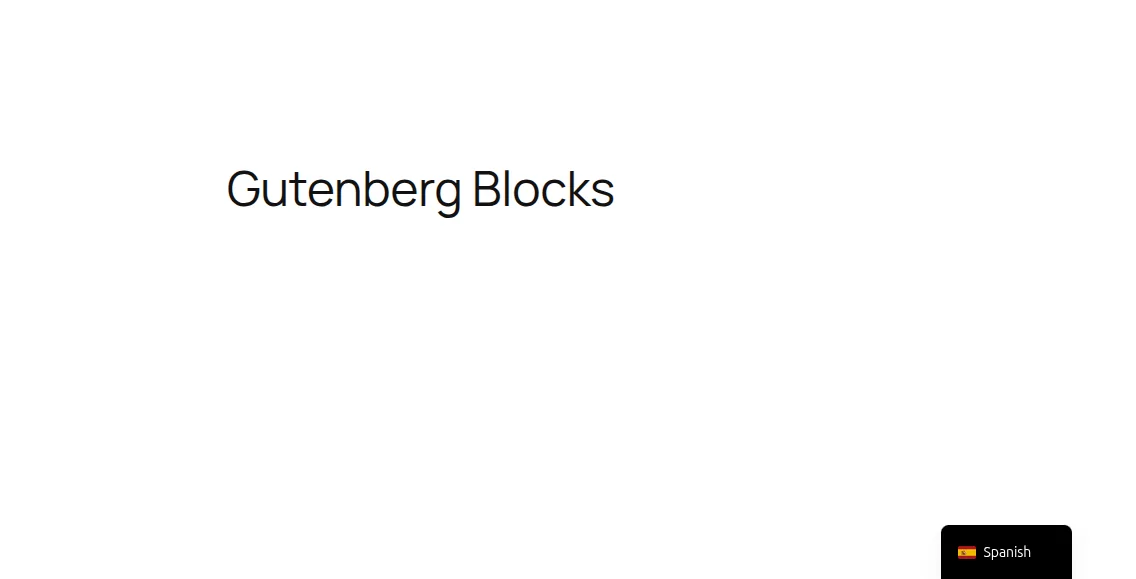
Il risultato è visibile nelle seguenti immagini. La prima pagina è la versione inglese predefinita e la seconda è la versione spagnola della stessa pagina.
Mostra video in base alla lingua
Puoi usare gli shortcode condizionali per visualizzare contenuti video diversi per ogni lingua sul tuo sito web.
Per fare ciò, è sufficiente racchiudere ciascun blocco video tra due blocchi shortcode per la lingua di destinazione. Il primo blocco di shortcode conterrà l'inizio del nostro shortcode condizionale (es. ).
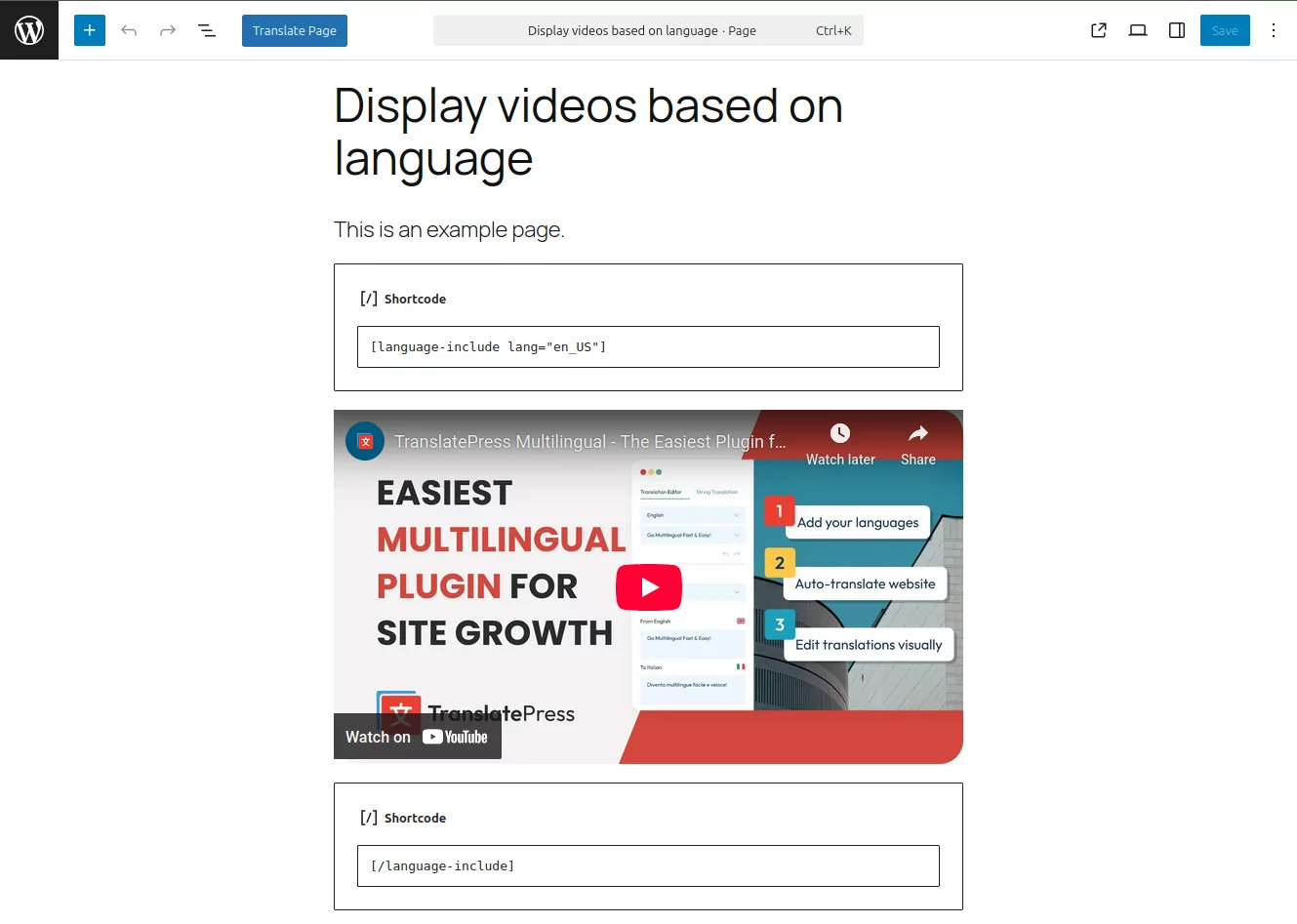
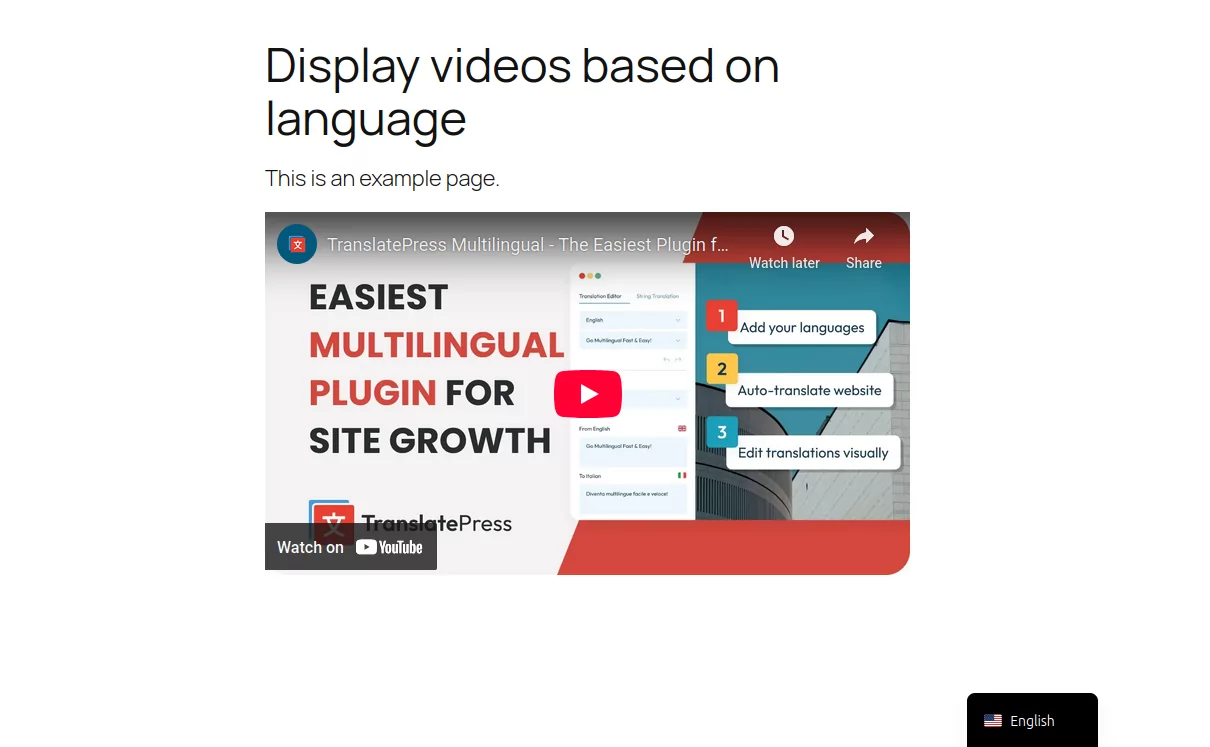
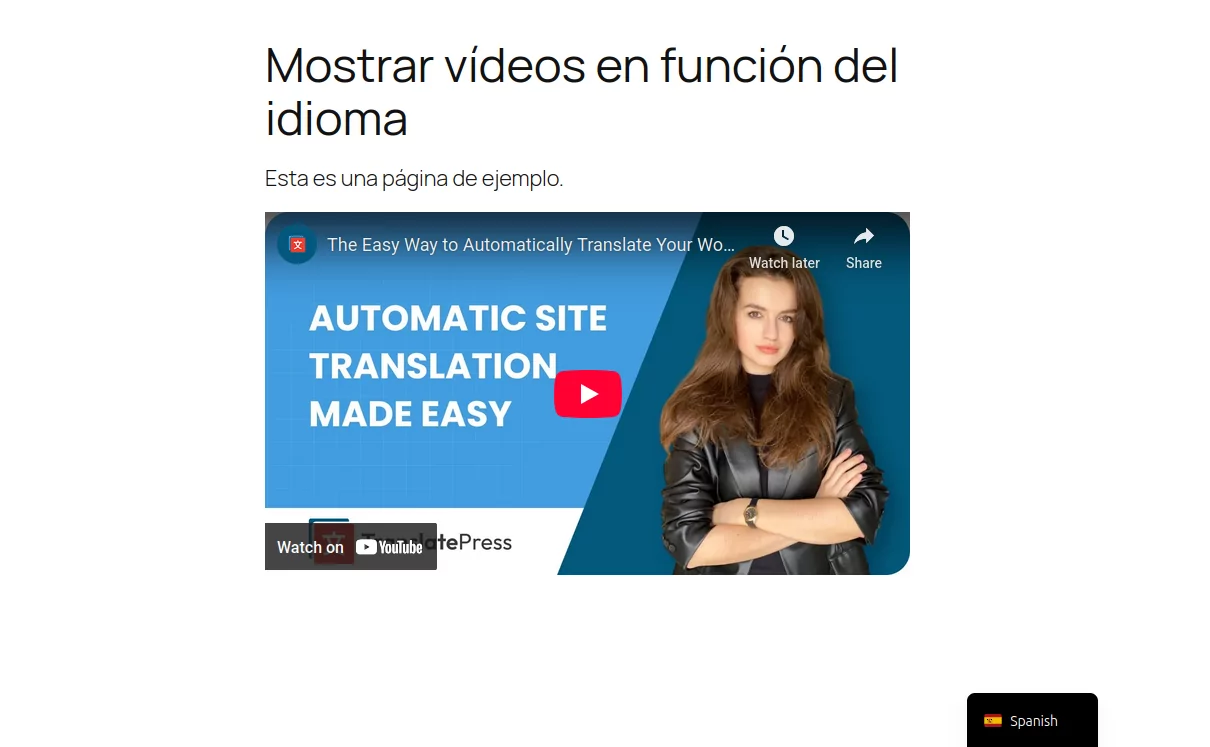
I risultati possono essere visti nelle seguenti immagini. La prima pagina visualizza il video nella versione inglese predefinita e la seconda pagina visualizza il video nella versione spagnola della stessa pagina.
shortcode (!DEPRECATO)
Lo shortcode veniva originariamente utilizzato per mostrare il contenuto solo per una lingua specifica. Ad esempio:
[trp_language language="en_US"] English content only [/trp_language]A partire da TranslatePress versione 2.9.21, questo shortcode è considerato deprecato. Sebbene continuerà a funzionare e non verrà rimosso, ti incoraggiamo a utilizzare il nuovo [language-include] e [language-exclude] invece gli shortcode.
I nuovi shortcode offrono maggiore flessibilità, ti danno il controllo sulla traducibilità o meno del contenuto e rappresentano il metodo consigliato per gestire i contenuti condizionali in futuro.
Se stai già utilizzando , non è necessario aggiornare immediatamente il tuo sito. Tutto continuerà a funzionare come prima, ma per i progetti futuri ti consigliamo di passare ai nuovi shortcode.
Mostra le immagini in base alla lingua con lo shortcode condizionale
Un altro caso d'uso dello shortcode condizionale è per traduzione di immagini, fondamentalmente visualizzazione di immagini diverse per lingue diverse.
[trp_language language="en_US"]
<img src="https://example.com/image_en.png" />
[/trp_language]
<img src="https://example.com/image_fr.png" />
[/trp_language]Tuttavia, questo può ora essere facilmente ottenuto direttamente dal front-end utilizzando il sistema integrato traduzione di immagini funzionalità.
È anche possibile utilizzare lo shortcode condizionale per visualizzare Blocchi di Gutenberg solo nella lingua desiderata.
Per fare ciò, dovrai racchiudere il blocco Gutenberg tra due blocchi shortcode. Il primo blocco shortcode conterrà l'inizio del nostro shortcode condizionale ().
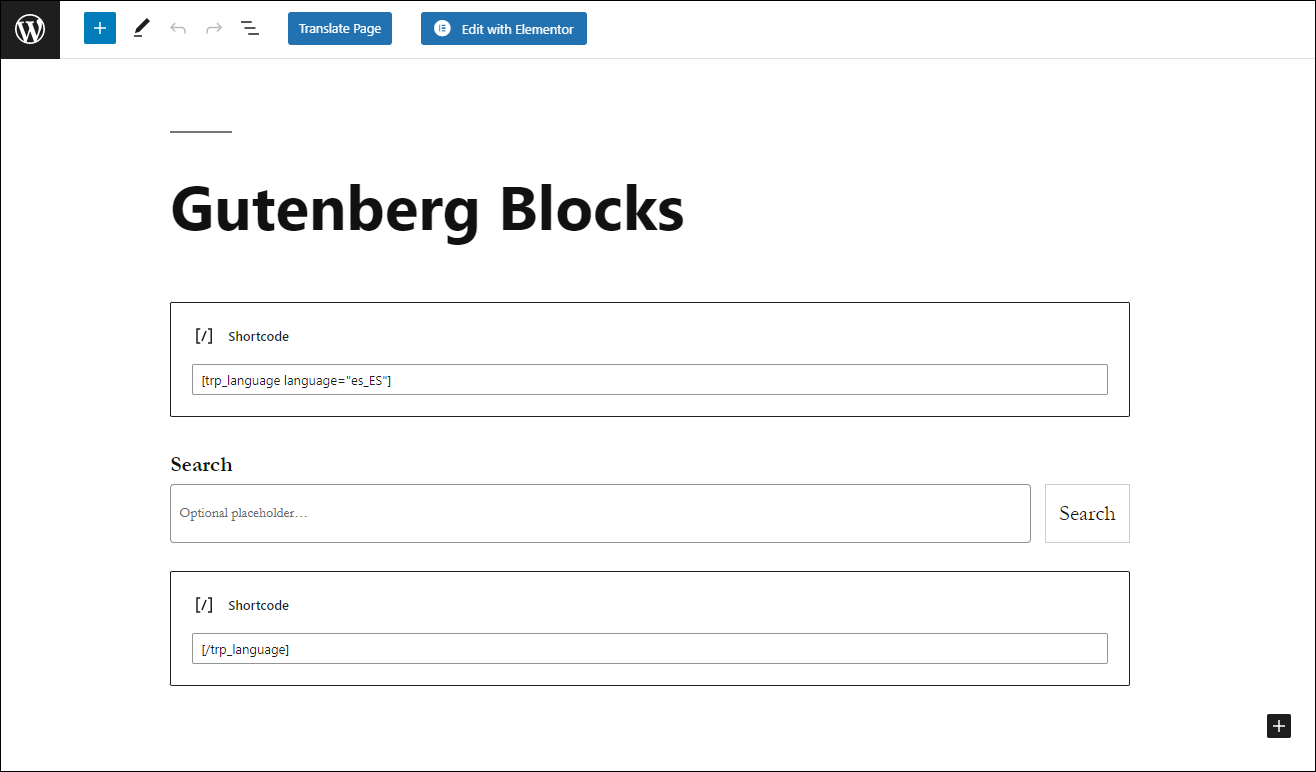
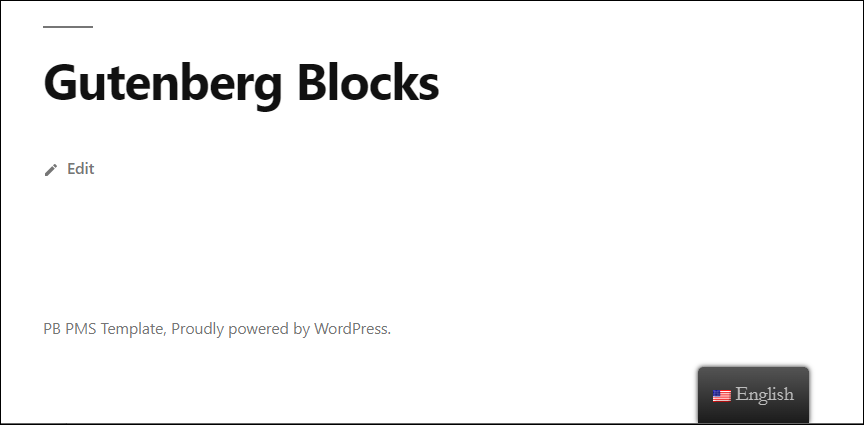
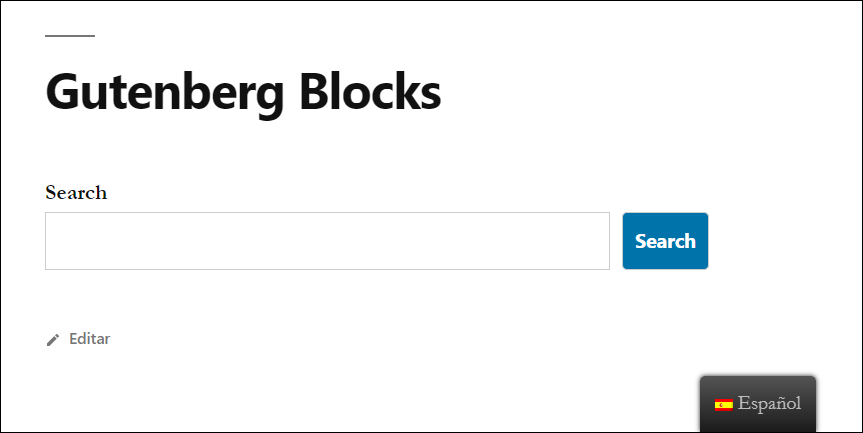
Il risultato è visibile nelle seguenti immagini. La prima pagina è la versione inglese predefinita e la seconda è la versione spagnola della stessa pagina.
Un'altra alternativa allo shortcode condizionale TranslatePress è il Traduzione stringa interfaccia in cui è possibile accedere alle stringhe gettext (come le email) e tradurle facilmente da un elenco.