On this page
How to set up different menus for different languages with TranslatePress
With the Navigation Based on Language Add-on, you can have menu items displayed or hidden based on the current language.
It helps you create multilingual menus that contain different menu items for different languages.
It’s useful when you want to display different pages for different languages. Or for when certain content is not translated into a specific language and you don’t want it to appear in the menu for that language.
Enable the Navigation Based on Language Add-on
The Enable the Navigation Based on Language Add-on is available with TranslatePress Business and Developer licenses.
After purchasing a premium version of TranslatePress, follow this guide to install TranslatePress.
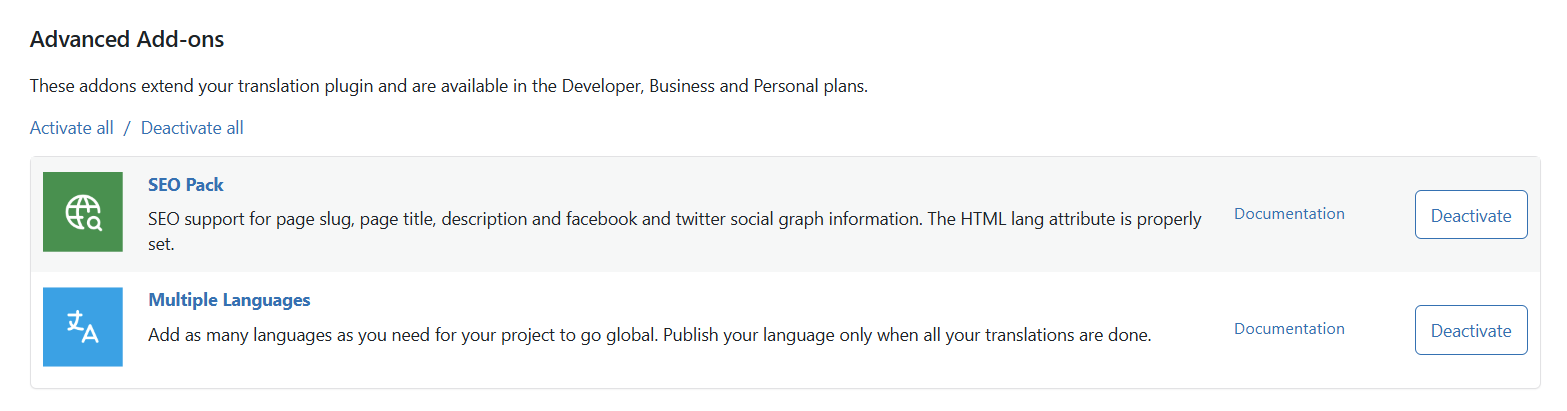
Once TranslatePress is installed, go to Settings → TranslatePress in your WordPress dashboard, then navigate to the Addons tab.
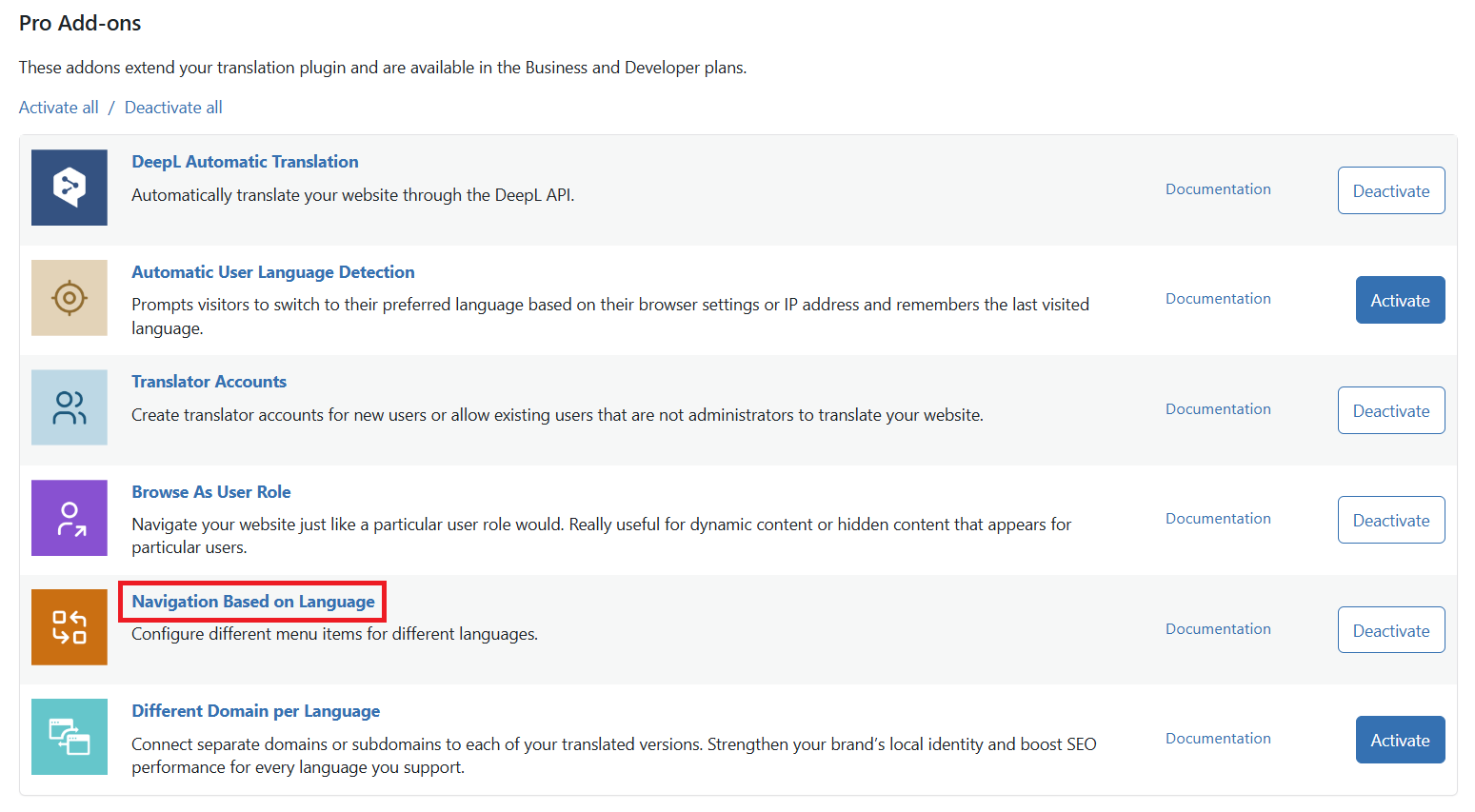
Scroll down to the Navigation Based on Language Add-on and Activate it here.
Configure your menu items with TranslatePress
With the add-on active, you can go to WordPress → Appearance → Menus and select what menu items appear for each language.
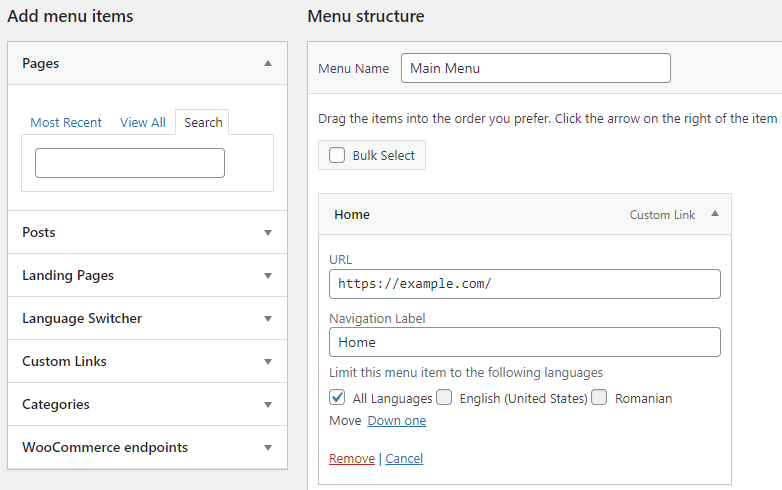
This will let you create multilingual menus that have different menu items in different languages.
Get Navigation Based on Language Add-on