On this page
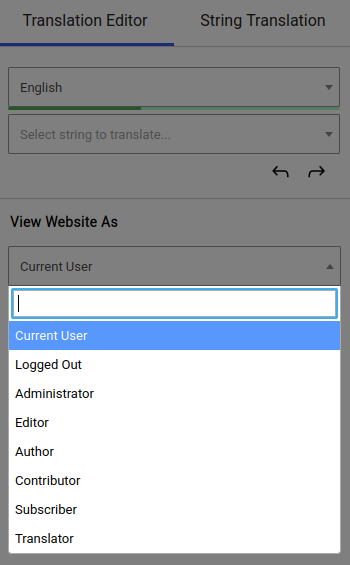
By default, you can browse your website from the translation editor as yourself (logged in) or as a non-logged-in user. This allows you to translate pages or strings that are dynamic based on the logged-in/ non-logged-in status.
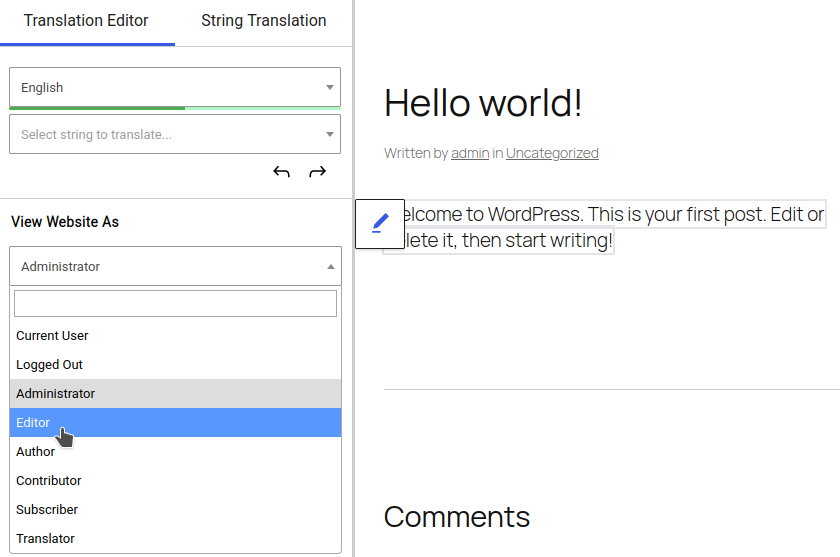
The Browse as User Role add-on, however, allows you to select any user role, then view the site as a user with that role would see it.
This makes it really easy to translate role-specific content.
Enable the Browse as User Role Add-on
The Browse as User Role Add-on is available with TranslatePress Business and Developer licenses.
After purchasing a premium version of TranslatePress, follow this guide to install TranslatePress.
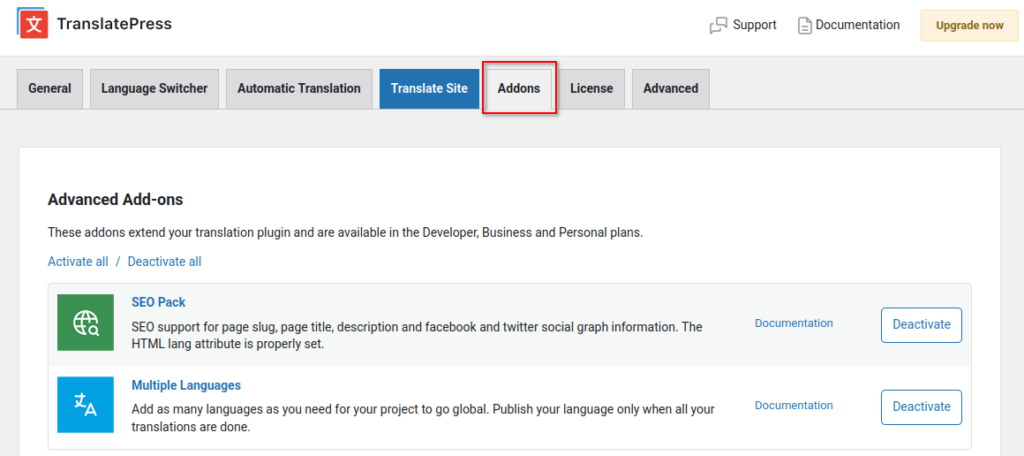
Once TranslatePress is installed, go to Settings → TranslatePress in your WordPress dashboard, then navigate to the Addons tab
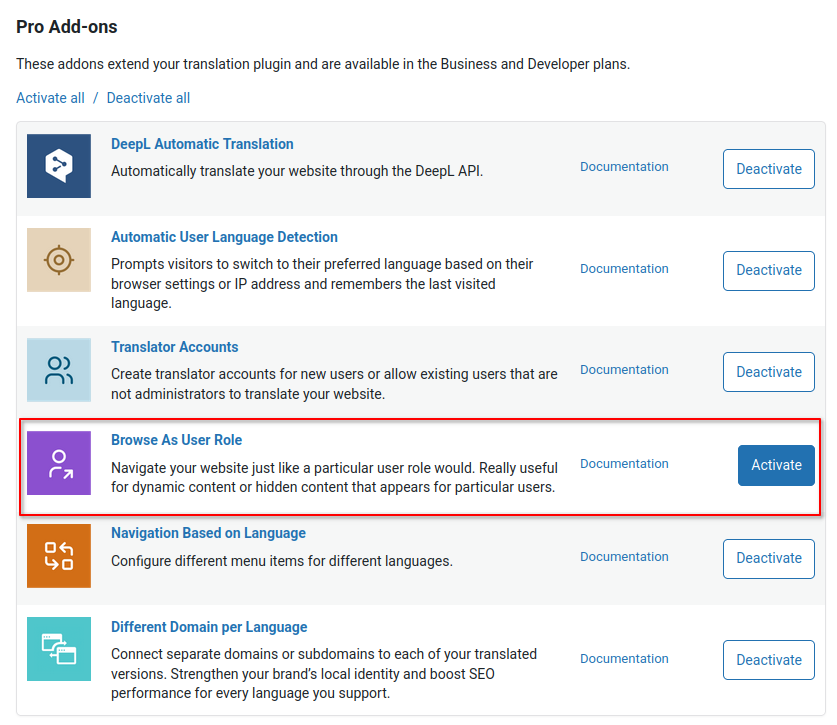
Scroll down to the Browse as User Role Add-on and Activate it here.
Translate role-specific content
Now, when you open the visual translation editor, you’ll be able to select any user role available on your site from the View as field and preview the site just like that user role would see it.